


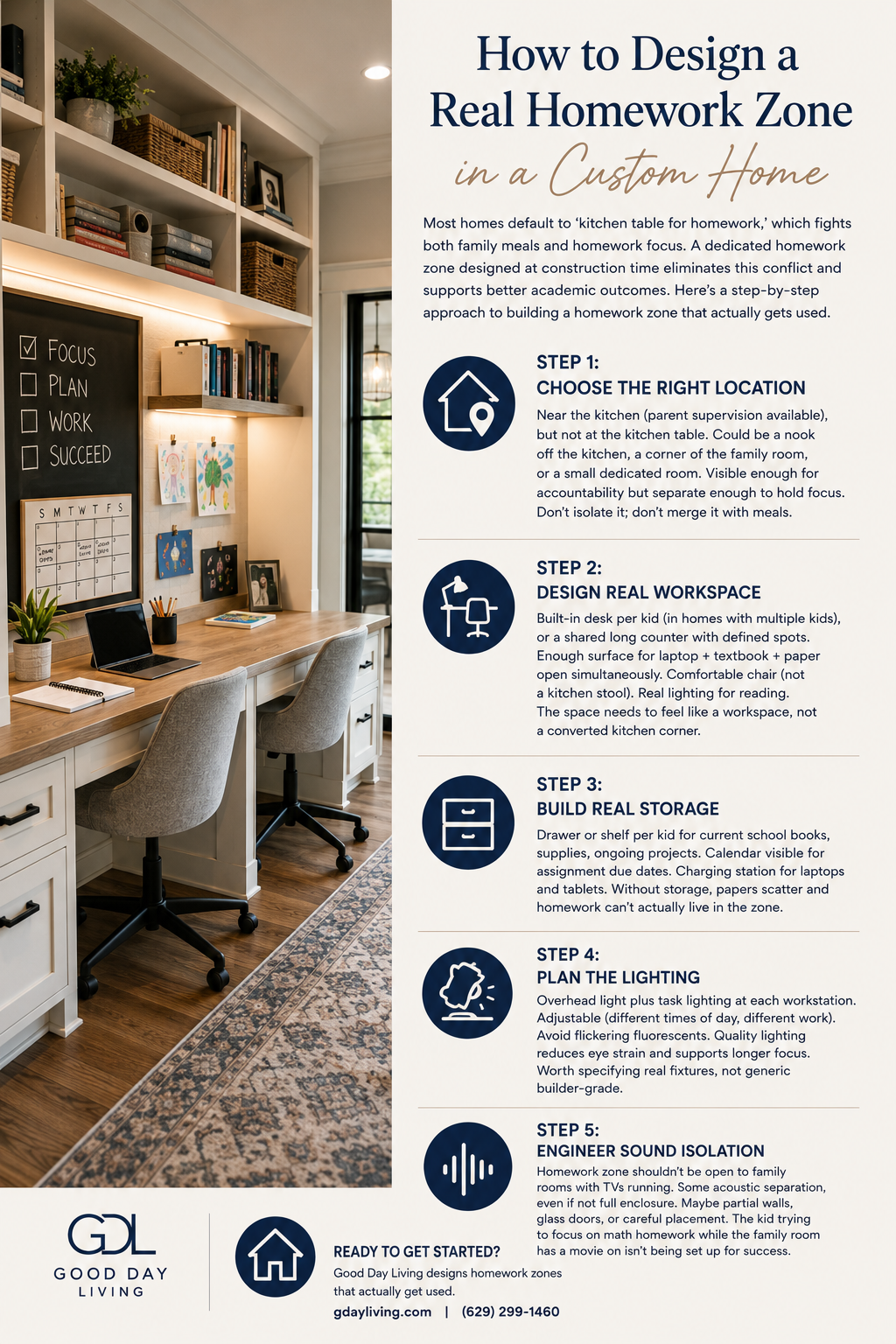
Most homes default to ‘kitchen table for homework,’ which fights both family meals and homework focus. A dedicated homework zone designed at construction time eliminates this conflict and supports better academic outcomes. Here’s a step-by-step approach to building a homework zone that actually gets used.
Step 1: Choose the Right Location
Near the kitchen (parent supervision available), but not at the kitchen table. Could be a nook off the kitchen, a corner of the family room, or a small dedicated room. Visible enough for accountability but separate enough to hold focus. Don’t isolate it; don’t merge it with meals.
Step 2: Design Real Workspace
Built-in desk per kid (in homes with multiple kids), or a shared long counter with defined spots. Enough surface for laptop + textbook + paper open simultaneously. Comfortable chair (not a kitchen stool). Real lighting for reading. The space needs to feel like a workspace, not a converted kitchen corner.
Step 3: Build Real Storage
Drawer or shelf per kid for current school books, supplies, ongoing projects. Calendar visible for assignment due dates. Charging station for laptops and tablets. Without storage, papers scatter and homework can’t actually live in the zone.
Step 4: Plan the Lighting
Overhead light plus task lighting at each workstation. Adjustable (different times of day, different work). Avoid flickering fluorescents. Quality lighting reduces eye strain and supports longer focus. Worth specifying real fixtures, not generic builder-grade.
Step 5: Engineer Sound Isolation
Homework zone shouldn’t be open to family rooms with TVs running. Some acoustic separation, even if not full enclosure. Maybe partial walls, glass doors, or careful placement. The kid trying to focus on math homework while the family room has a movie on isn’t being set up for success.
Ready to Get Started?
Good Day Living designs homework zones that actually get used. gdayliving.com or (629) 299-1460.