


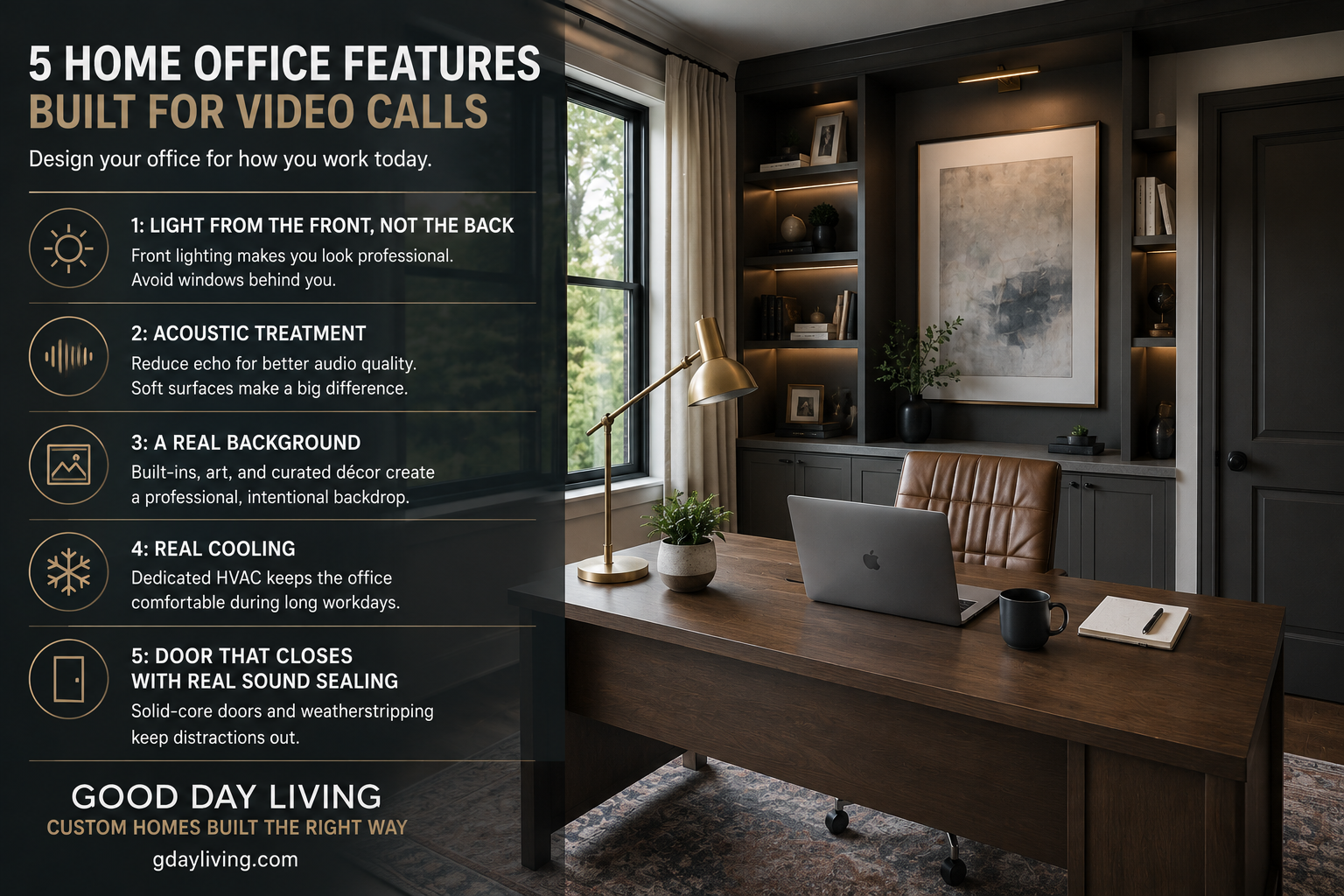
Most home offices are now video-call workspaces. The lighting, acoustics, and background that made the office work in 2018 don’t necessarily work for daily Zoom in 2026. Five specific features make a custom home office genuinely good for video calls. Here’s what to design in.
1: Light From the Front, Not the Back

Position the desk so a window or main light source is in front of you, not behind. Backlighting from a window creates a silhouette effect that destroys video call quality. Front lighting is what makes you look professional on camera. Decide at design time, not after.
2: Acoustic Treatment for Sound Quality
Hard, echoey rooms produce bad audio. Carpeted floors, fabric-upholstered chair, soft window treatments, even acoustic panels in serious offices — all reduce echo and improve mic clarity. Bad audio is the #1 reason video calls become exhausting.
3: A Real Background That Looks Intentional
Built-in shelving with curated books and objects. A designed wall with art. Anything but a blank wall, an unmade bed, or a clutter view. The background tells your colleagues something about you; design it intentionally rather than letting whatever was there be visible.
4: Real Cooling for the Office Specifically
Computer + monitors + lights + body heat. Offices get hot. Standard HVAC zoning often leaves the office uncomfortable during long meetings. Dedicated mini-split or zone HVAC keeps the office in the right temperature range for sustained video work.
5: Door That Closes With Real Sound Sealing
Solid-core door, weatherstripping, possibly a sound-rated door for serious offices. Open offices fail in modern WFH; closed offices succeed. The door creates the boundary that lets life happen outside while you’re in a call inside.
Ready to Get Started?
Good Day Living designs WFH offices for the way modern work actually happens. gdayliving.com.